Technology
Google Android Update Targets Motion Sickness, Accessibility, and Messaging
The latest Android release brings five new features designed to enhance accessibility, reduce digital motion sickness, and expand personalization options in Google Messages.

TechCrunch — AI
Google has rolled out five new Android features aimed at making smartphones more accessible, personalized, and easier to use in real-world scenarios. The updates, unveiled in a blog post, address challenges ranging from motion discomfort while traveling to helping users find misplaced items.
Motion Assist tackles in-vehicle disorientation#
The headline feature, "Motion Assist," addresses motion sickness triggered by watching a mobile phone screen while moving through a vehicle. The tool displays a dynamic bubble overlay that shifts across the screen in sync with the vehicle's actual motion, creating visual alignment between what users see and what their body senses. This synchronization aims to reduce the cognitive disconnect that causes nausea.
Users can configure Motion Assist to activate automatically, pin it to Quick Settings, and adjust the bubble's appearance—shape, color, and opacity. The feature requires Android 17 or later. While Google frames this as novel, Apple introduced a similar capability called "Vehicle Motion Cues" in 2024, which animates dots along the display edges to track vehicle movement.
Guided Vision uses AI to aid sight-impaired users#
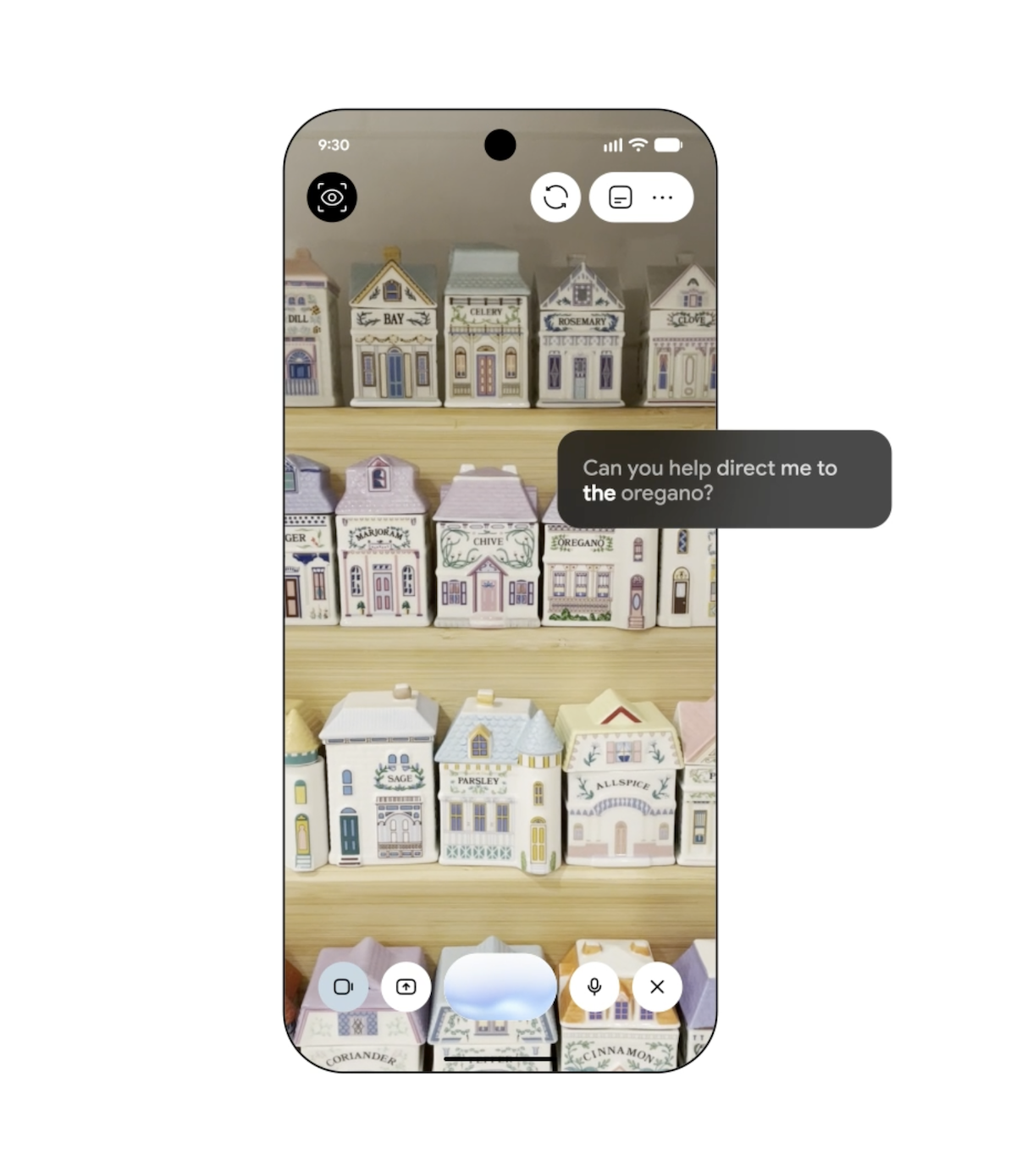
A second accessibility initiative, "Guided Vision," pairs the device's camera with Gemini AI to support blind and low-vision users. The tool can enlarge and read small text (such as food labels or restaurant menus in poor lighting), identify household objects, and provide real-time verbal coaching—instructing users to adjust their phone's angle, pan across an item, or center an object in frame. The feature will roll out to Android 9+ devices in regions where Gemini is accessible.
Gemini remembers where you stored things#
A third update empowers Gemini to become a personal memory keeper. Within Find Hub, users can save notes about important items—describing where they stored a passport, keys, or travel documents—and optionally attach photos for quicker recognition. This setup transforms Gemini into a searchable repository for frequently misplaced belongings.