AI Infrastructure
Cloudflare Makes WebMCP Adoption Effortless With One-Click Tool Packs
A new developer preview removes the need for manual coding—websites can now activate AI-agent interfaces by simply flipping a switch.

InfoQ
Cloudflare has unveiled a developer preview that dramatically simplifies how websites expose machine-readable functionality to AI agents. Rather than requiring extensive code changes, any site hosted on Cloudflare can now activate WebMCP (Web Model Context Protocol) support through a single dashboard toggle—dramatically lowering the barrier to adoption.
What WebMCP Does#
The core strength of WebMCP lies in replacing fragile browser automation with structured, explicit tool access. Instead of scraping HTML or simulating user clicks, AI agents can invoke named functions directly—such as searchFlights or bookTicket. This approach consumes fewer tokens, adapts better when UI layouts change, and keeps control entirely within the original website. Human traffic remains on the site rather than flowing through third-party intermediaries.
Cloudflare's Plug-and-Play Approach#
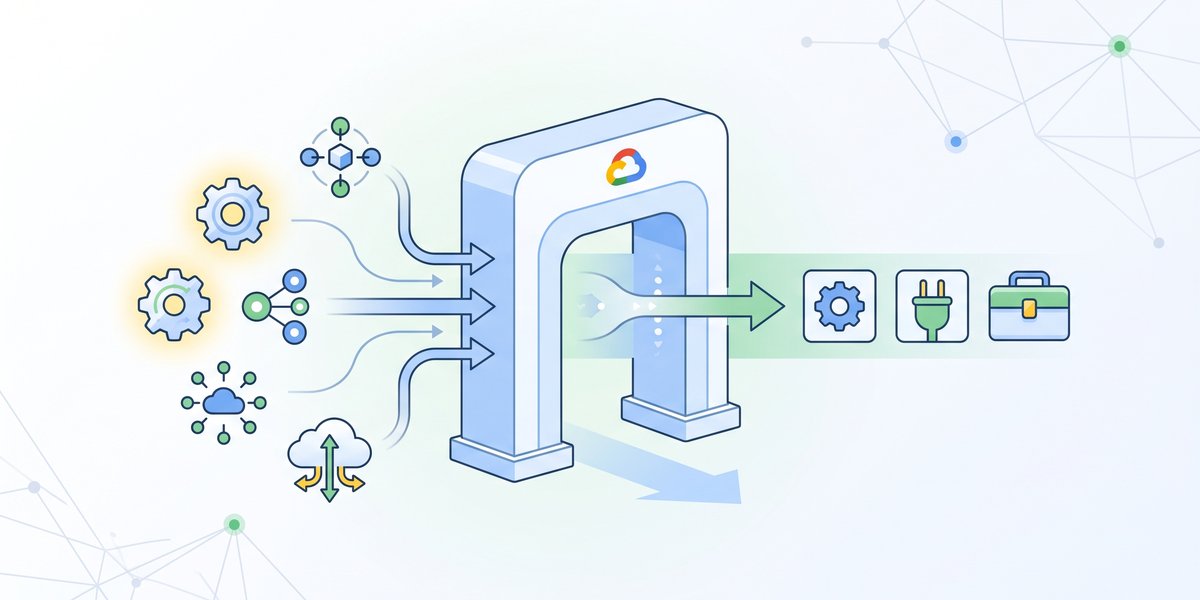
Traditionally, WebMCP adoption required developers to manually register tools using either an imperative API (hand-coding tool schemas and handlers) or a declarative API (annotating HTML forms). Cloudflare's innovation sidesteps this effort by introducing tool packs—pre-built bundles of ready-to-use functionality that sites can enable without redeploying.
The initial preview ships with two packs:
- Content Credentials – allows agents to read C2PA provenance metadata embedded in images
- Site MCP Server – proxies a website's existing MCP server tools to in-browser agents
Cloudflare plans to expand the library over time, with new packs appearing automatically in the dashboard when available.
How the Technical Plumbing Works#
Behind the scenes, Cloudflare injects a lightweight bridge.js module into every served page using its edge-level HTMLRewriter. This script silently references the enabled tool packs via a data-packs attribute and registers each one with the browser's .registerTool() method. Static packs declare their tools upfront, while dynamic packs (like the MCP server connector) discover their available tools at runtime before registration. When an AI agent calls a tool, the bridge proxies the request back to the server using the standard MCP protocol, ensuring compatibility with existing server-side tools.