Apple
iOS 27 finally makes Siri worth using — powered by Gemini and on-screen smarts
Apple's redesigned voice assistant now handles complex tasks and understands context, luring back users who had abandoned it.

TechCrunch — AI
Apple has resurrected Siri from years of neglect. After a long wait, the company's redesigned assistant—powered by Google's Gemini models—finally delivers the smart, context-aware functionality that the voice tool has long promised but failed to provide.
The shift is meaningful enough that a skeptical user who had stopped relying on Siri is now reaching for it routinely, even for complex multi-step requests.
A genuinely smarter Siri#
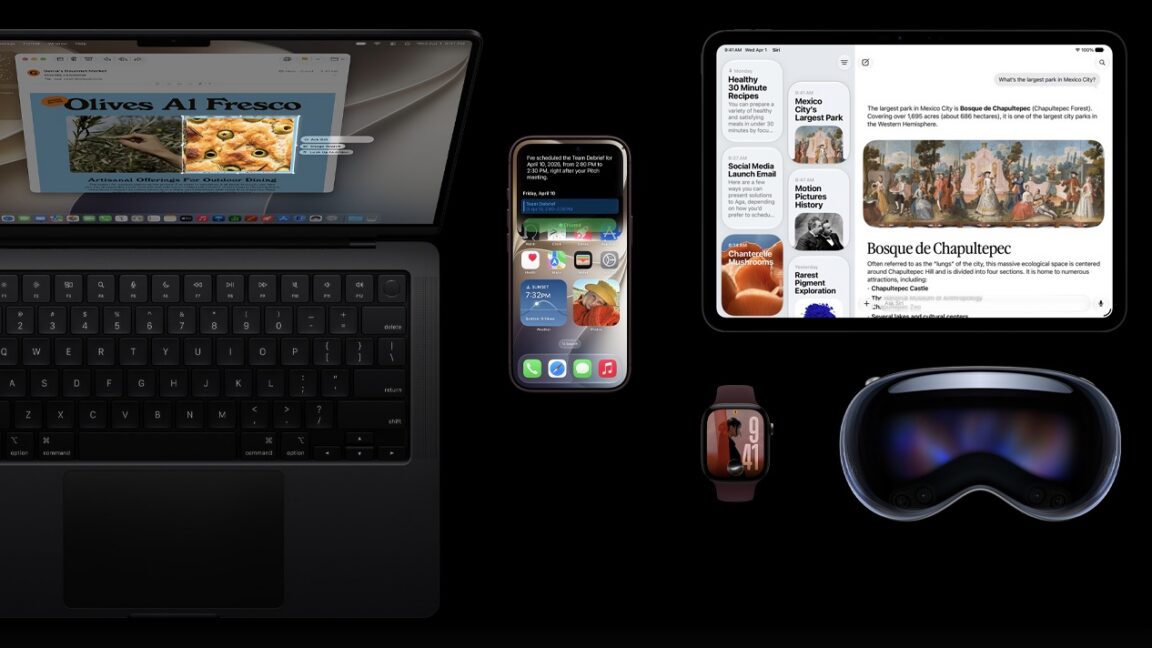
The new assistant represents a quantum leap from Siri's previous incarnation, which leaned on fixed knowledge bases and a choppy ChatGPT integration. Built on Gemini's foundation, Siri now handles everything from sports trivia and team statistics to complex, chainable directions. It drafts messages, roots through your personal files and emails to surface context, and even pulls data from what's currently on your screen.
One standout feature is Siri's ability to glance at your display and reason about it. While watching a World Cup lineup, you can ask about the oldest player on the field. When looking at a startup's website, Siri can fetch its funding history and list competitors. The camera integration is particularly clever—point it at a coffee bag to learn brewing tips, or at a drink to get identification (even narrowing down to specific cuisines if you provide a hint).
The assistant also gained its own dedicated app for reviewing past conversations, and users can tweak its voice tone and personality in Settings. A new logo and smoother transition animation round out the visual refresh.
Apple Intelligence and everyday shortcuts#
Siri's upgrade sits alongside broader Apple Intelligence features that handle routine friction. Natural-language shortcut creation lets you describe automations conversationally—"Show me today's to-do items every morning at 8 am" generates the plumbing automatically, then you can layer in additional steps. A new Safari alert system watches for price changes or policy updates on web pages you're tracking.
The Photos app gained modest enhancements: reframing and extension tools (inconsistent but sometimes helpful) and a smarter eraser that leaves fewer visual artifacts. Smart suggestions now prompt you to add event details from Messages to your calendar, and the Passwords app can update login credentials for you automatically.
Quality-of-life wins across the board#
Beyond AI, iOS 27 introduces several thoughtful refinements. A revamped clipboard flow surfaces a quick paste button on the keyboard, letting you move links, photos, video, and text between apps seamlessly—a small feature with outsized utility. Users gained granular control over the transparency of Liquid Glass design elements, moving away from preset-only options.